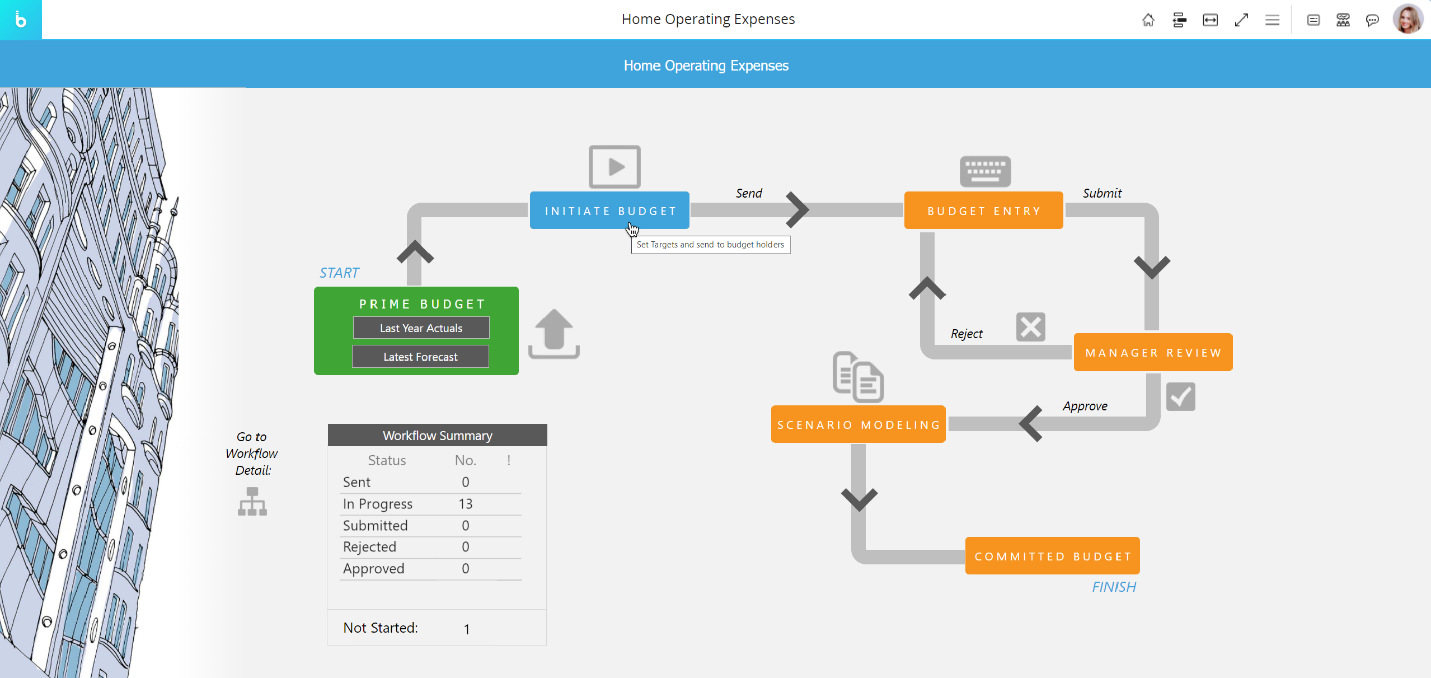
The Label Object can be used on a Screen with the sole purpose of displaying custom text, an image, or a value. In that case, it doesn't offer any interactive features.
The Label Object becomes interactive only if it is configured to perform a specific action when clicked. If that's the case, your mouse pointer will change when you hover over it to indicate that the Label Object is clickable.
Use of Substitution Formulas
This component supports Substitution Formulas such as @Selection, @Selection_Ex, and @[entityname].
These formulas can include advanced parameters such as Offset, allowing dynamic retrieval of values based on the current selection.
Substitution Formulas reflect the current selection context when evaluated and behave consistently across the Platform.
For full syntax and parameter details, refer to the Substitution Formulas documentation.