About the Help Hub
Board introduces a unified Help Hub menu, a single in-product access point that brings together the Knowledge Base (Manual), Community, Academy, and Support resources, enabling users to quickly find help, improve self-sufficiency, and access guidance directly within the Platform.
The Help Hub feature is accessible from the Main Menu.
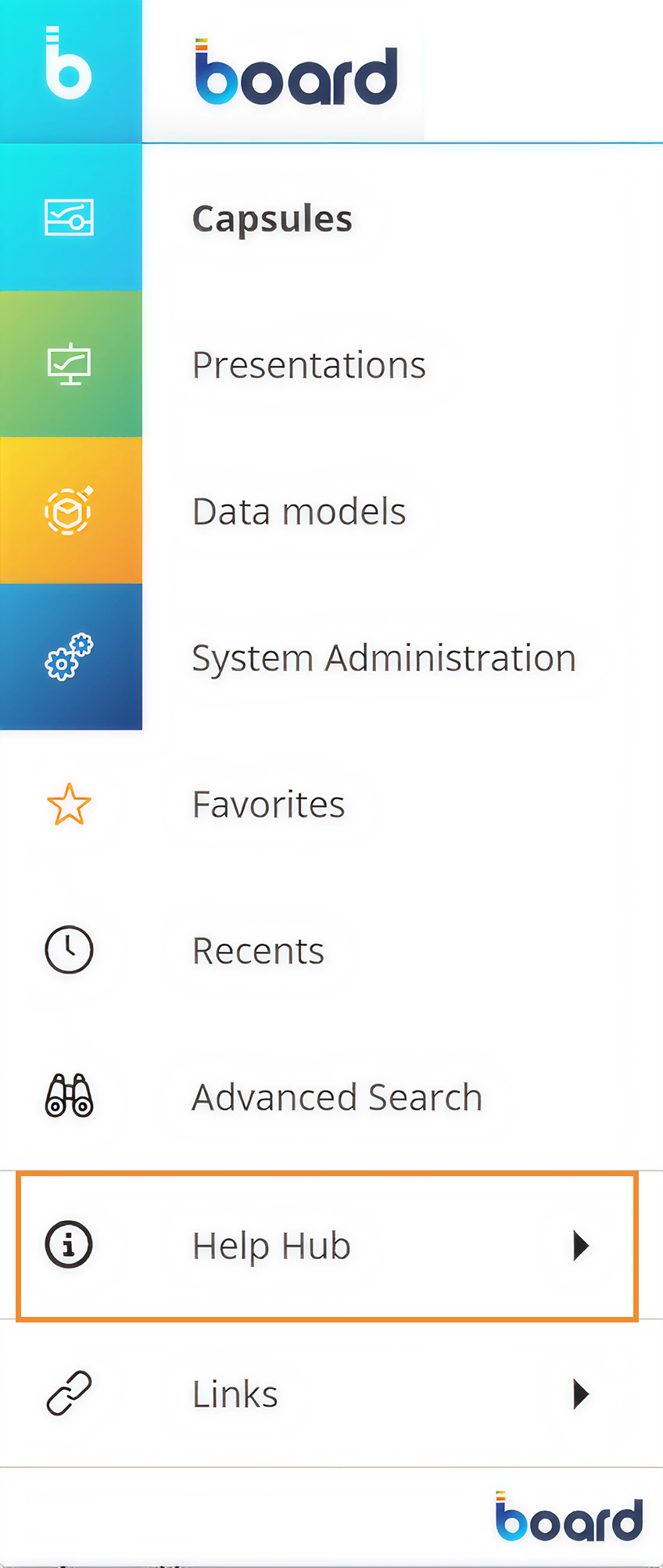
Click on the Help Hub tile to open its menu and access the four available resources.
.png)
Knowledge Base. The Knowledge Base or Manual provides official documentation for the Board Platform. It explains features, configuration steps, and best practices.
User Community. The Community is a forum where Board users ask questions, share solutions, and exchange best practices with other users and experts.
Academy. The Academy provides training courses and learning paths to help users build skills and gain certifications on the Board Platform.
Support. Support allows users to submit tickets and receive help from Board specialists for technical issues or product questions.
Why use the Help Hub?
Users often need quick access to documentation, training, and support resources while working in Board. Previously, these resources were mainly accessed outside the product, requiring users to rely on bookmarks, search engines, onboarding materials, or external websites to find the information they needed.
The Help Hub provides a single, consistent entry point within the Board Platform where users can quickly access the Manual, Community, Academy, and Support resources. This makes it easier to find documentation, discover training, and get assistance without leaving the Platform.
By centralizing these resources, the Help Hub helps users find answers faster, learn more efficiently, and resolve questions with fewer interruptions, improving the overall experience of using Board.