Subscriptions are created from the Capsules and Presentations areas, not from the Subscriptions interface in System Administration.
This approach ensures that each Subscription is tightly linked to the specific view or Presentation it is based on, allowing users to manage distribution settings in context.
The following sections describe how to create a Subscription from both Presentations and Capsules.
Create a Subscription from a Presentation
To create a Subscription from a Presentation, follow these steps:
Access the Presentations area in the Board Platform and open the desired Presentation.
.png)
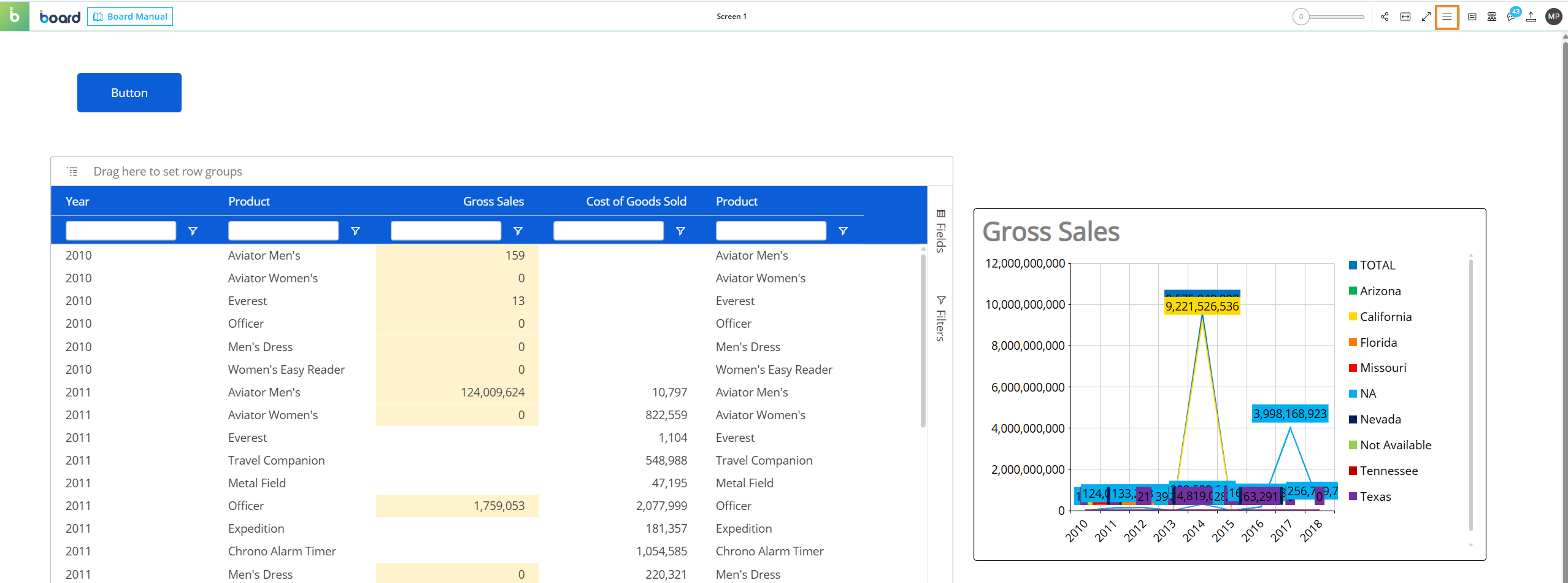
Open the three-line menu in the top right corner of the page.
Click "New subscription".
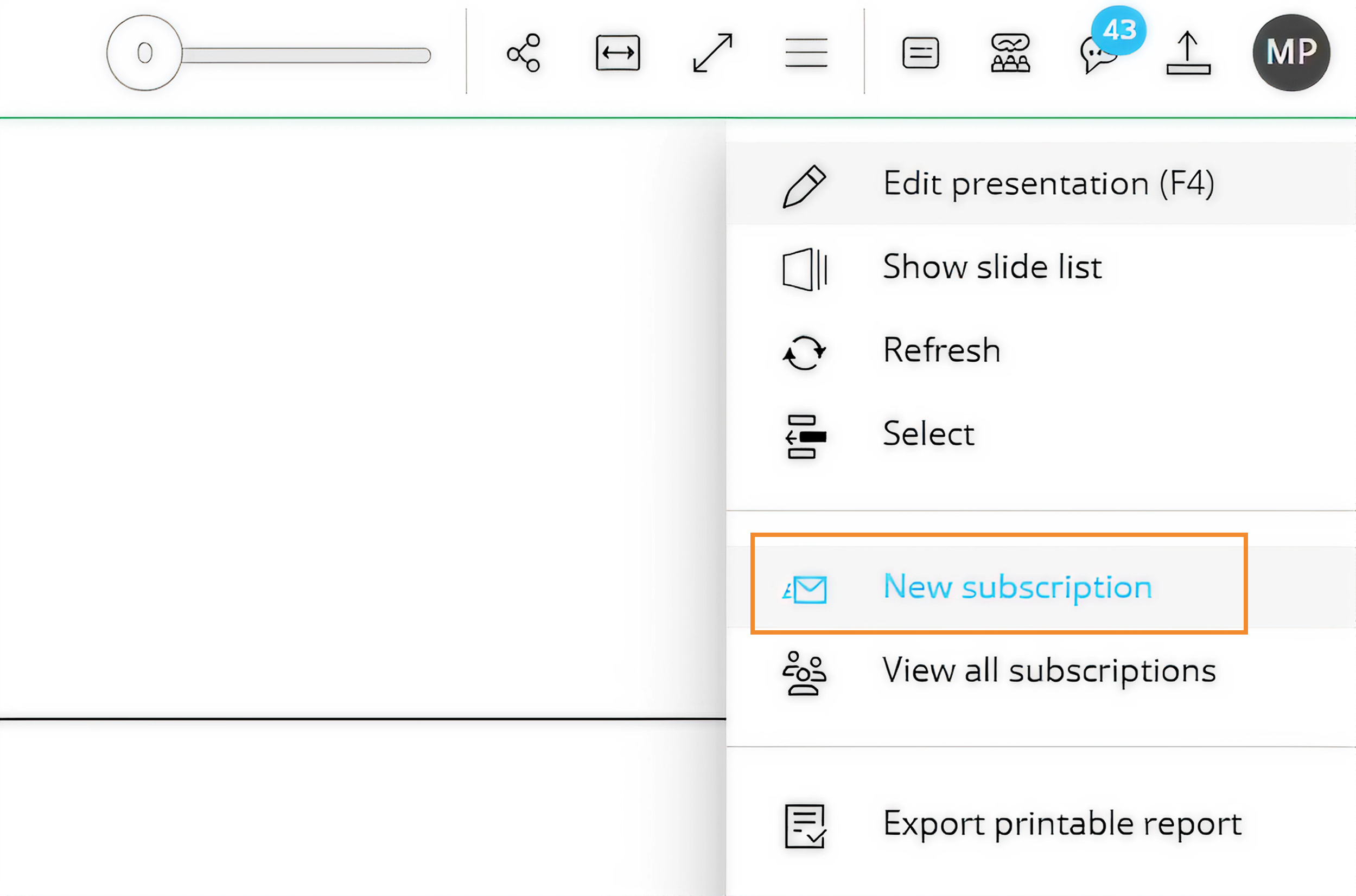
Users can also view all their Subscriptions by clicking "View all subscriptions".
A pop-up window appears, where users must enter a name for the new Subscription.
Click "Cancel" to close the window without creating the Subscription, or click "Next" to continue.
.png)
The "New Subscription" window opens, where users can configure the new Subscription. The available settings are described in Edit a Subscription.
.png)
Create a Subscription from a Capsule
To create a Subscription from a Screen Capsule, follow these steps:
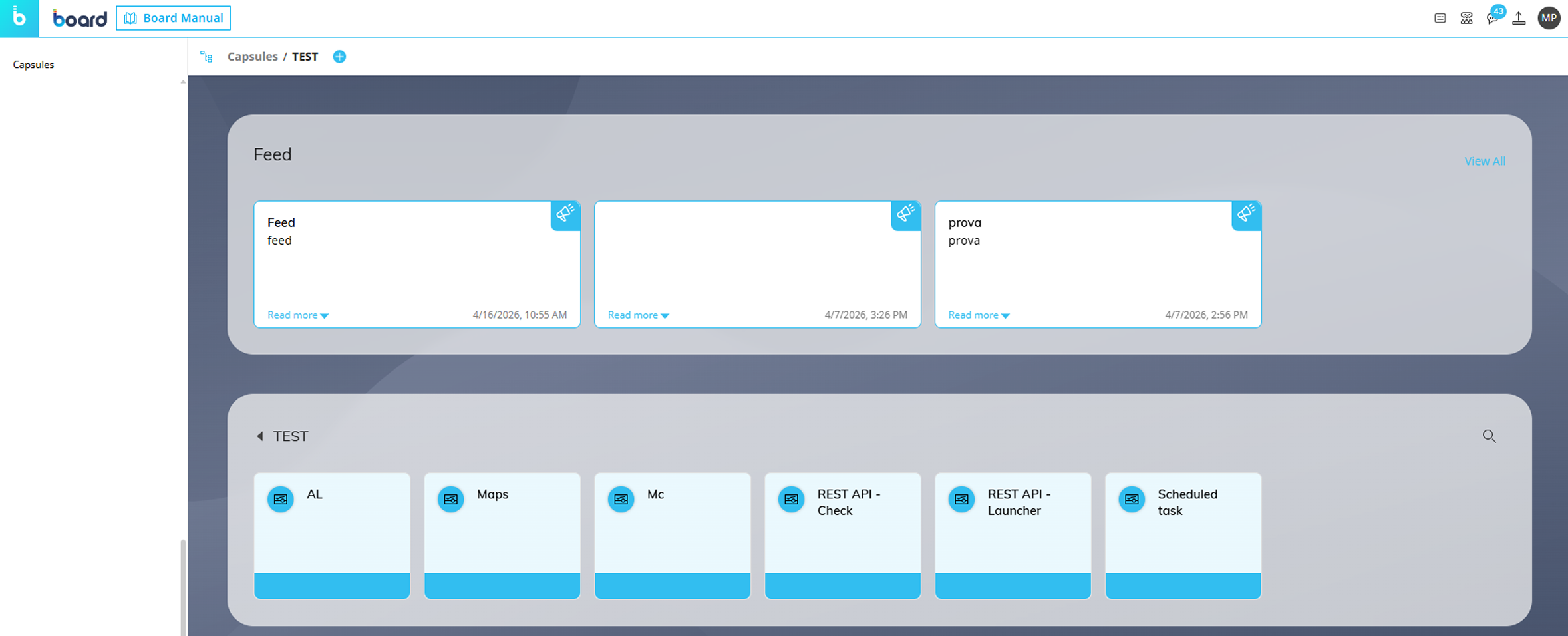
Access the Capsules area in the Board Platform and open the desired Screen Capsule.
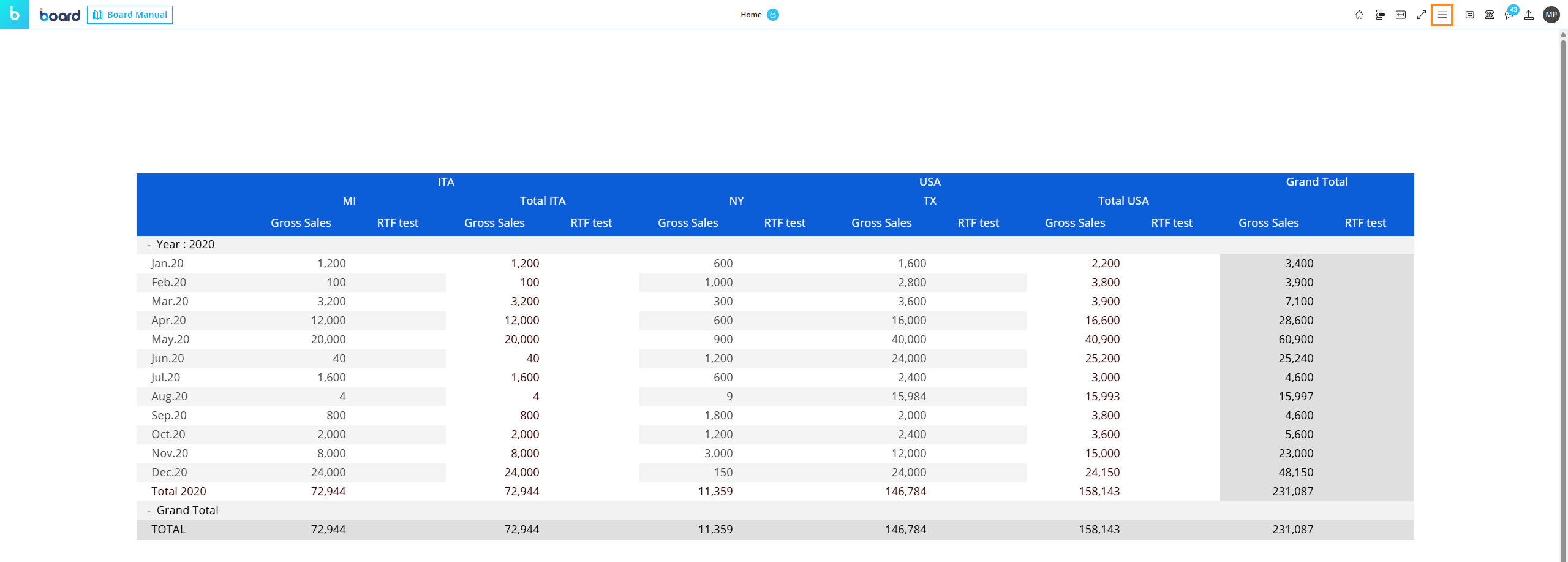
When in Play Mode, open the three-line menu in the top right corner of the page.
The three-line menu cannot be opened when the user is in Design Mode.
Users can create a new Subscription in two ways.
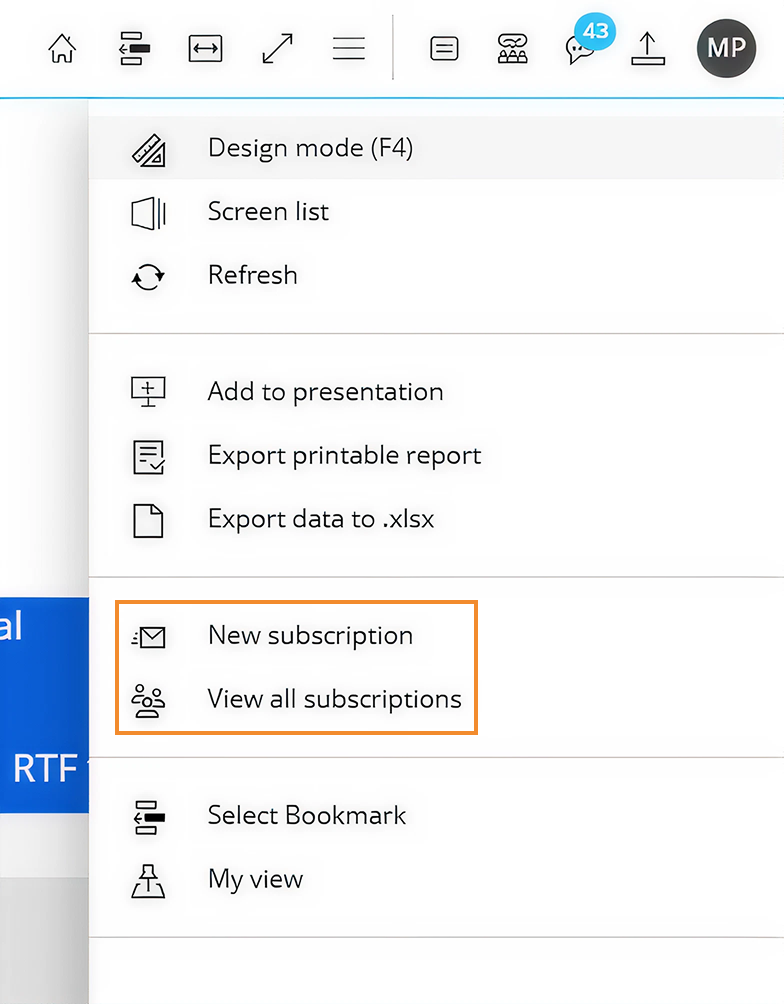
Click "New subscription".
Click "View all subscriptions", then click the "+" icon to create a new Subscription.

A pop-up window appears, where users must enter a name for the new Subscription.
Click "Cancel" to close the window without creating the Subscription, or click "Next" to continue.
The "New Subscription" window opens, where users can configure the new Subscription. The available settings are described in Edit a Subscription.
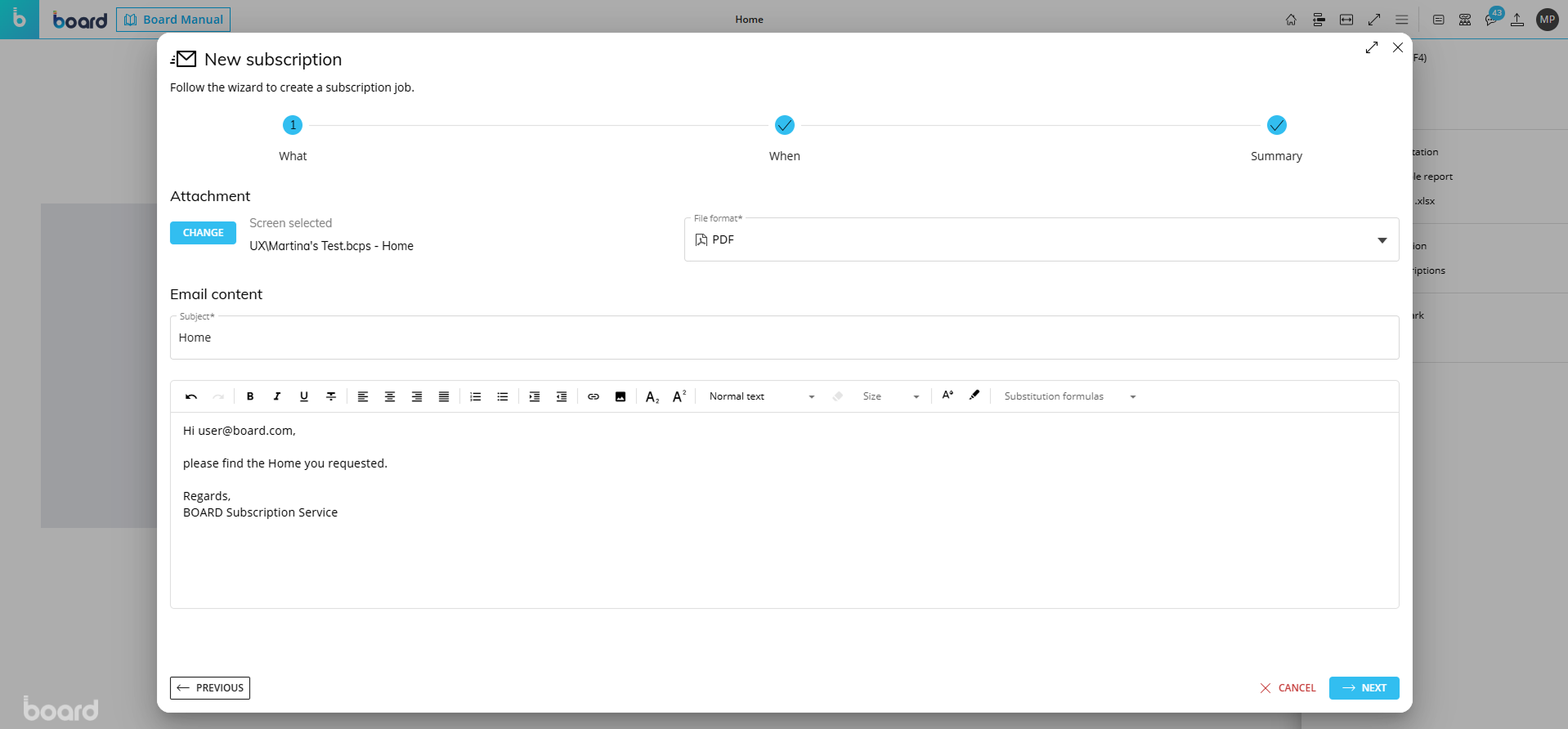
After all configurations are applied, the Subscription is created and it appears in the Subscriptions interface in System Administration.