💡This article contains version changes.
Spot the light bulb icon? That means you’ll find helpful details about what’s changed across versions. Read more about version changes here.
Getting started with Board Forecasting
This section introduces forecasting using Board Foresight. This article covers:
Log in to Board Foresight
If the user has a Board account, they sign in to Board Foresight directly using single sign-on (SSO). This option uses their organization’s existing credentials, so users do not need a separate Board Foresight password.
Use the following steps to sign in with SSO.
Single sign-on
Enter a username or email address, and then select "Next". The page redirects the user to Board to complete the log in with their password.
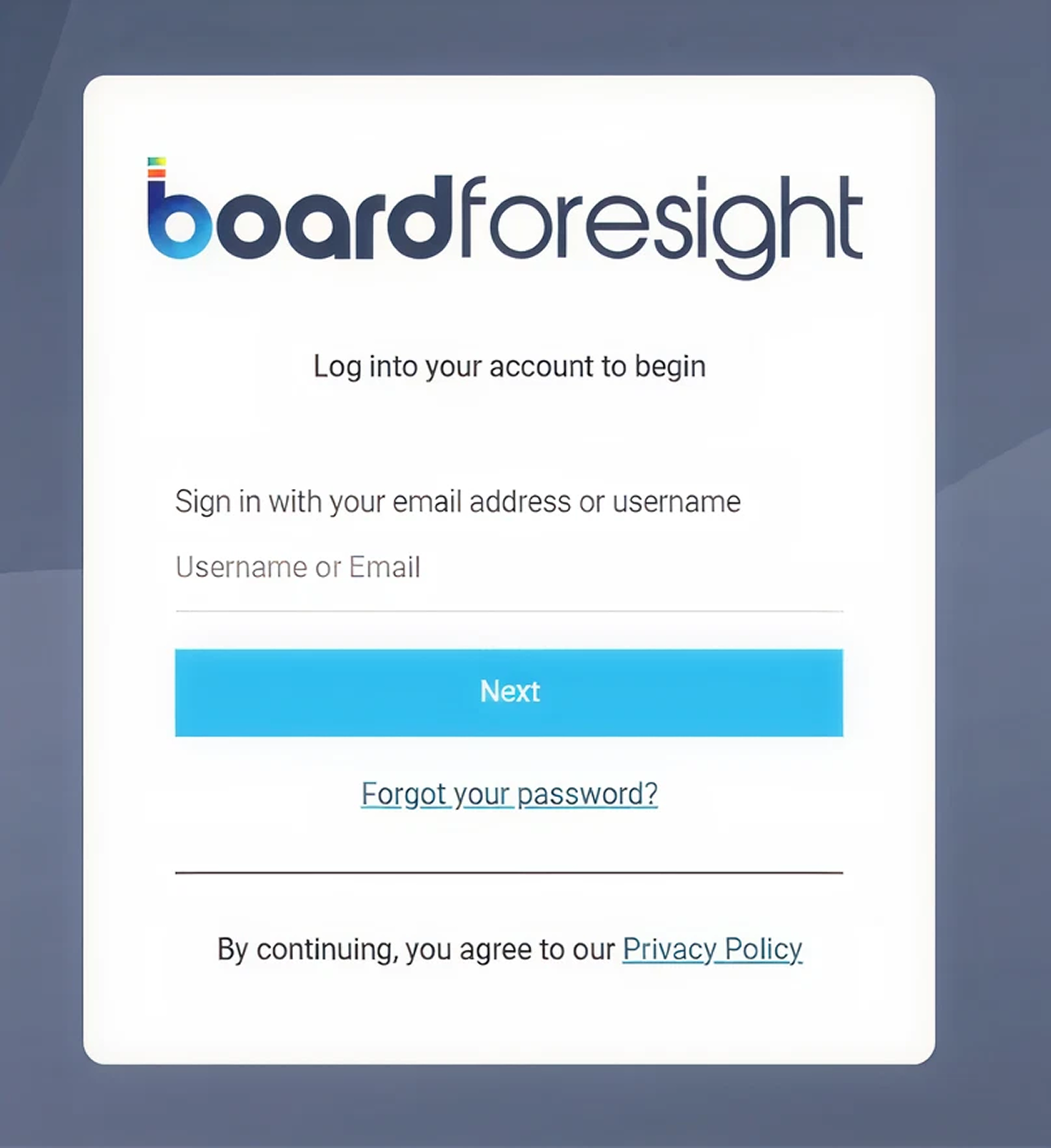
Select "Login" to open the Board Foresight Data Management home page.
Home page overview
The home page contains the main sections used to manage Board Forecasting.
Depending on the customer configuration, the home page can display either two or three tabular sections:
💡Users, available only to Customer Admins who purchased Board Forecasting as a standalone product and do not have a Board subscription.
For customers with a Board subscription, the Users section is not displayed. In this case, the home page contains only the Data Management and Job Setup sections.
.png)
In the top-right corner of the screen, the user’s initials appear in a user profile button. Selecting this button displays the Log out option.
.png)
No additional configuration is required on the home page. From here, the user can access and manage Data Management and Job Setup activities. For more detailed guidance, see the Data Management and Job Setup articles.
Why use Board Forecasting?
Board Forecasting allows the user to generate large-scale demand forecasts directly within the Board Platform. They can produce consistent forecasts across products, locations, and hierarchies using one standardized process.
The system automatically analyzes data patterns and selects the appropriate forecasting model. It supports stable and intermittent data without requiring manual model selection.
They can refresh forecasts frequently to keep planning data up to date. This ensures that downstream planning processes always use the latest forecast results.
By running forecasting directly in Board, they reduce the need for external tools and manual data transfers. This improves consistency, governance, and operational efficiency.
Board Forecasting supports multi-region deployments.
Who does Board Forecasting benefit?
Board Forecasting benefits users who manage large and complex demand portfolios.
It is particularly relevant for:
Demand planners who need to generate forecasts across many products and locations
Supply chain teams that rely on consistent and regularly updated forecast data
Organizations managing mixed demand portfolios, including stable and intermittent demand within the same forecasting job
Planning teams that use forecast results to drive supply planning, allocation, replenishment, and operational processes in Board.
This capability is ideal for teams that need scalable, automated forecasting embedded directly in their operational planning workflows.
Additional notes
💡Multi-region support
Board Forecasting now supports customer environments hosted in multiple geographic regions, currently the United States and Germany. When a new environment is provisioned, it is assigned to a region based on the customer’s geographic location and contractual requirements. Forecasting data is then stored within that assigned region.
This enhancement helps organizations meet data residency, governance, and sovereignty requirements by ensuring customer data remains in the appropriate geographic region and is not automatically shared, synchronized, or transferred across regions.