Nexel combines the flexibility and the versatility of a spreadsheet-like application with the power and robustness of the multidimensional Object, the Data View. It offers a wide library of formulas embedded in the reporting layer to provide additional calculation capabilities on columns, ranges of cells, and even single cells.
Nexel is not supported by the Flex Grid Object.
Nexel formulas are equations that can perform calculations, return information, manipulate cell content, test conditions, and more. Formulas always start with an equal sign (=) and are supported by Data Blocks containing:
A Cube
An algorithm
Entities and Relationships
The result of a Nexel Formula overlaps any value generated by a Layout definition.
Enable Nexel in Block settings
Under the "Nexel" subpage in the Block settings panel, it is possible to enable and configure the NEXEL layer for the selected Block. When enabled, it is also possible to define how the formula will be propagated to the cells of the Block.
Two options are available:
Deepest Entity formula (default). Each cell of the Block can have a different formula.
Single formula. The formula is the same for all cells of the Block.
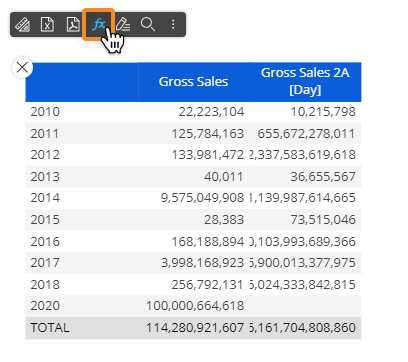
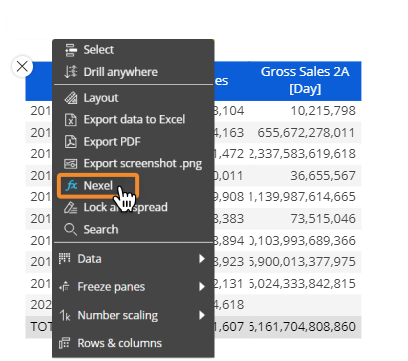
Once enabled, the Nexel configuration is done from the sliding Object toolbar of the Data View as seen in the images below: